Proactive briefings
An assistant that messages you first
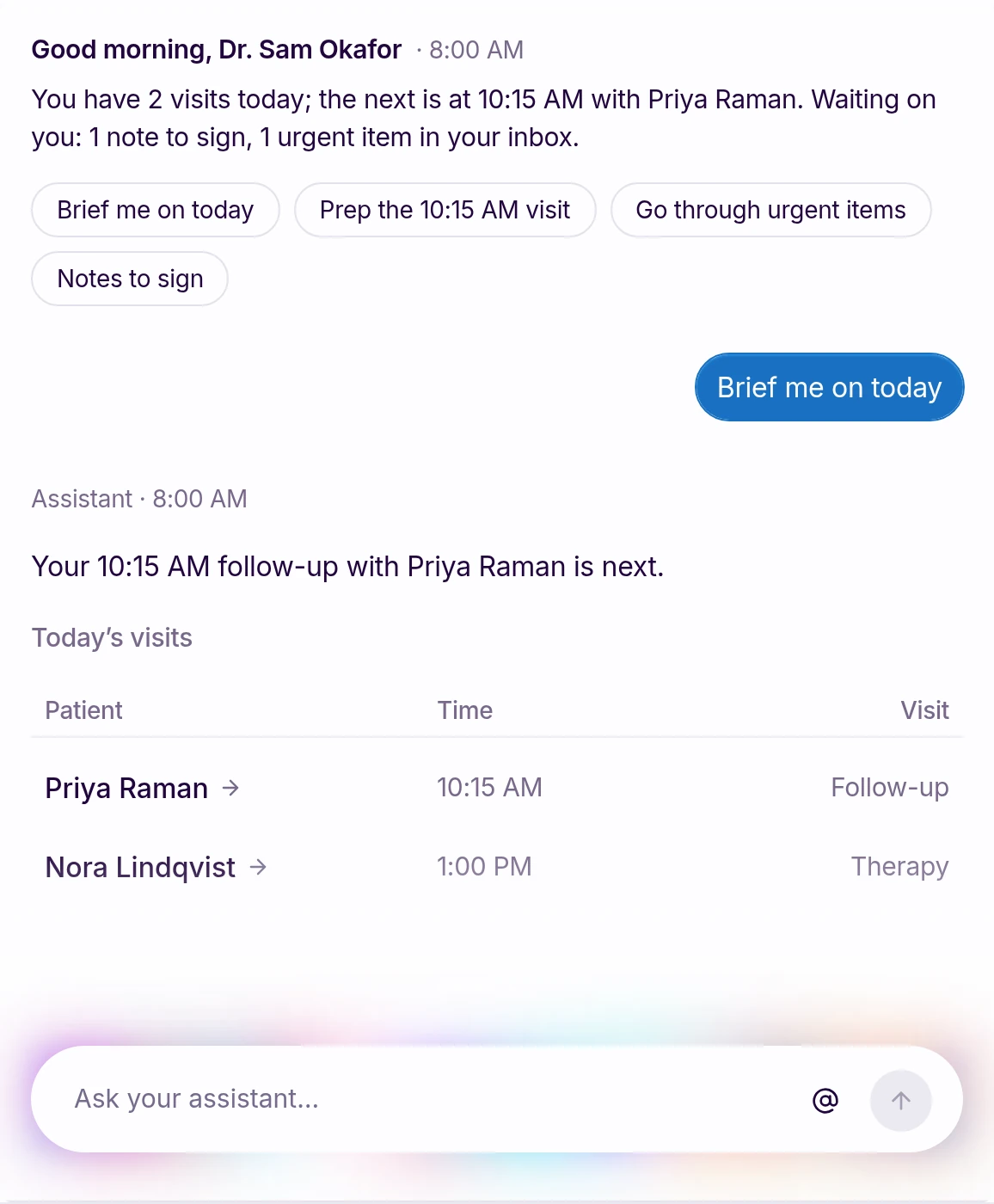
Daily schedule briefings, 15-minute visit prep, signature nudges, and urgent alerts arrive in one calm thread—never altering a chart or messaging a client without you.
See Proactive Assistant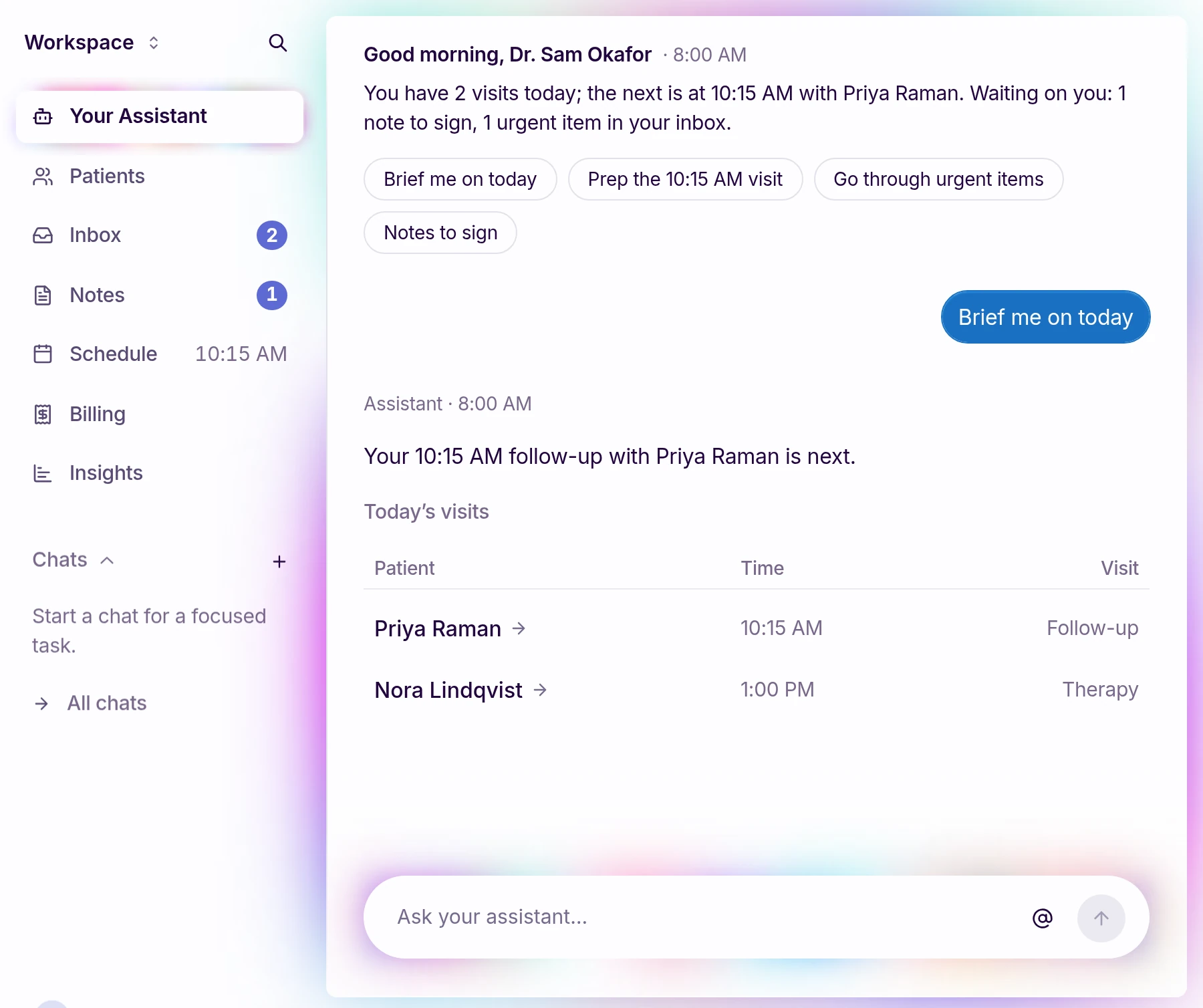
Behavioral health EHR
Calm pairs an AI assistant with structured charting, scheduling, telehealth, a client portal, and billing under clinician control.
One workspace connecting conversation, clinical notes, longitudinal charts, telehealth, client portal forms, and billing.
Proactive workspace
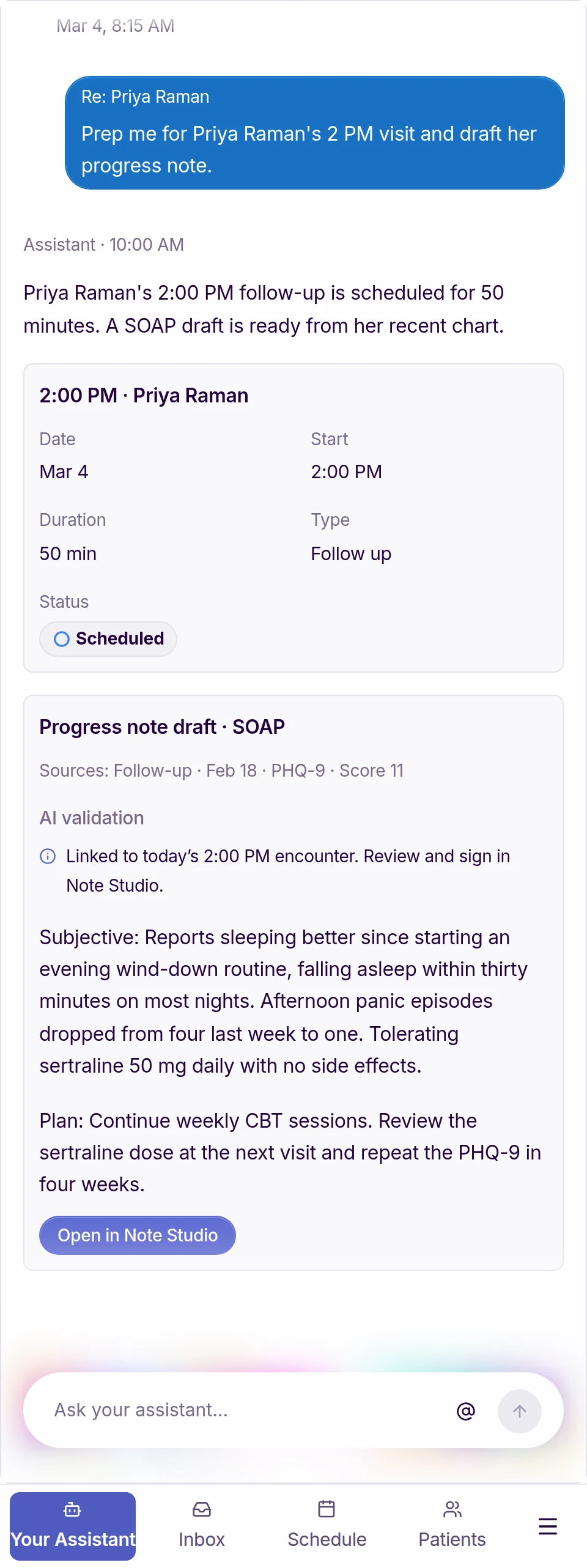
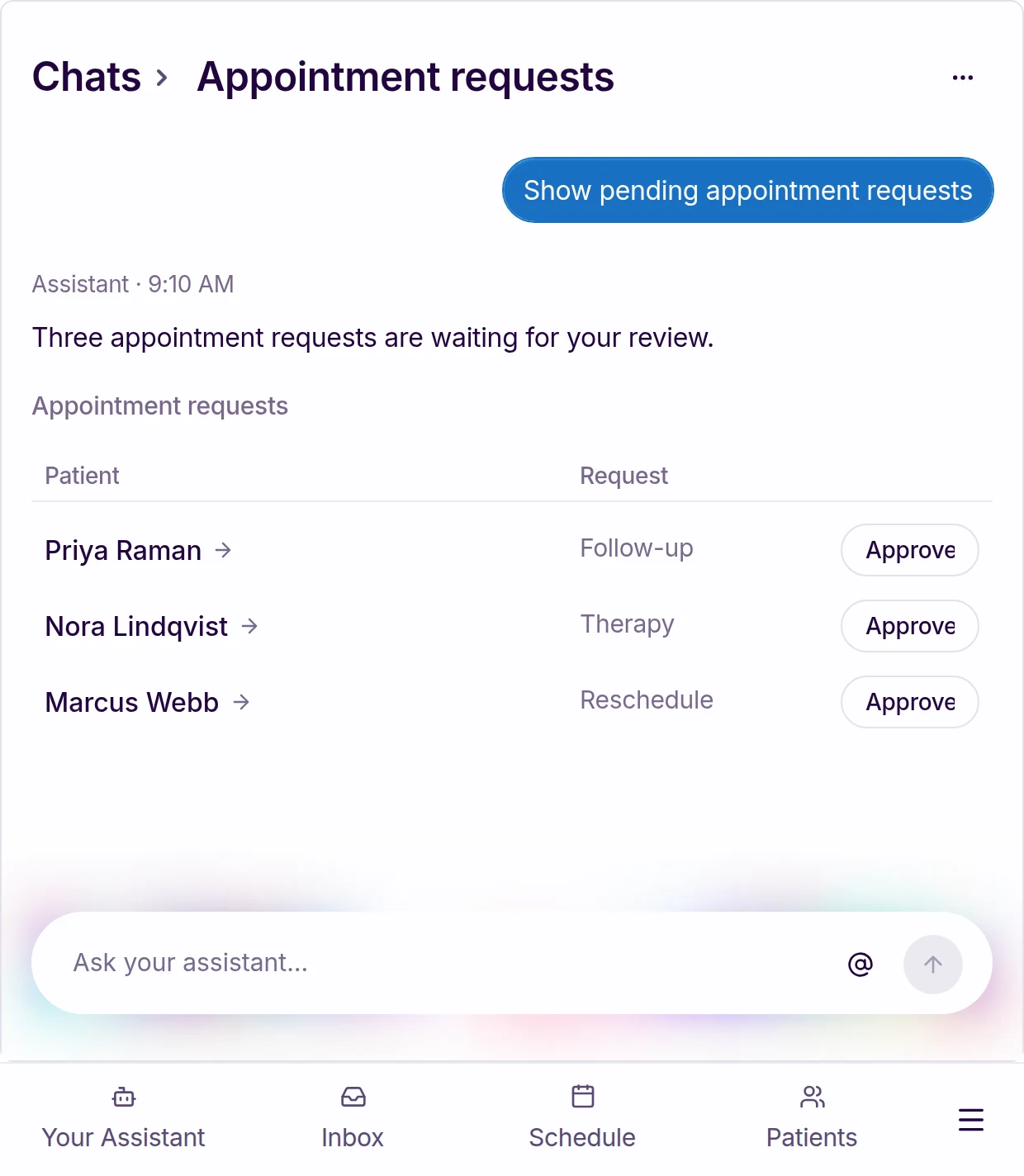
Start the morning with your visit list, unsigned notes, and urgent messages. Act on inline tables or open a focused task chat without losing chart context.
Note Studio
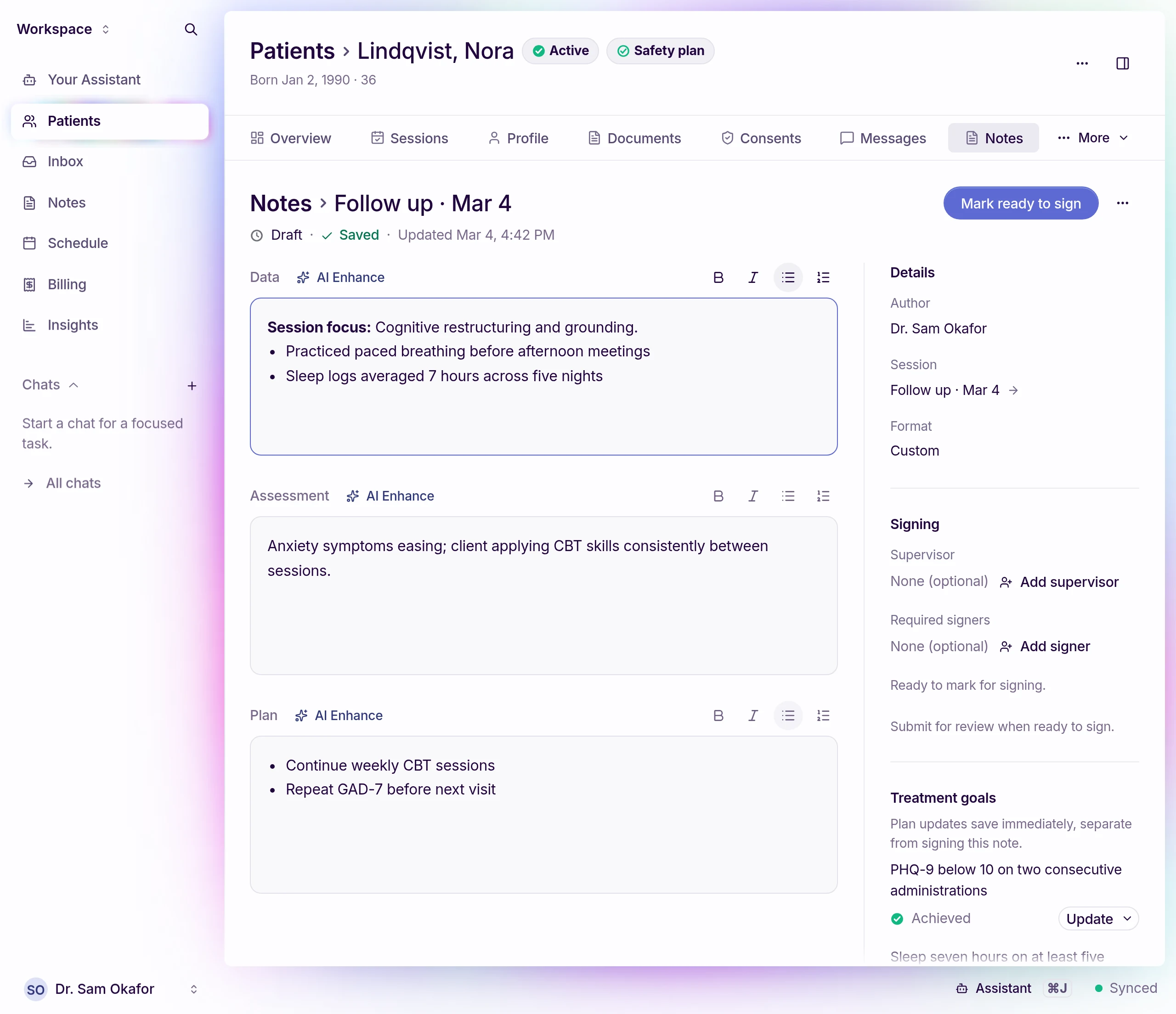
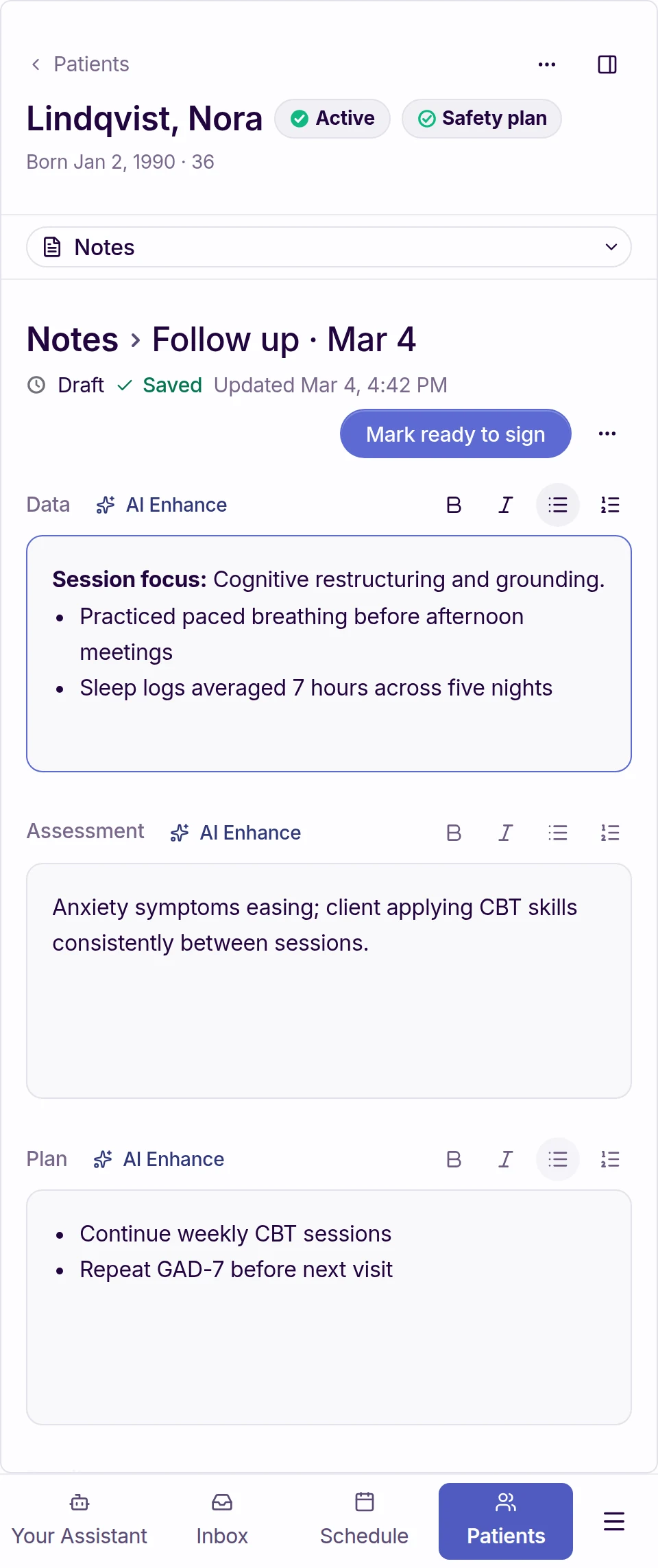
Edit SOAP, DAP, BIRP, or custom templates in rich text, compare every AI suggestion word for word, and sign to lock the legal record. Approval alone never signs a note.
Longitudinal chart
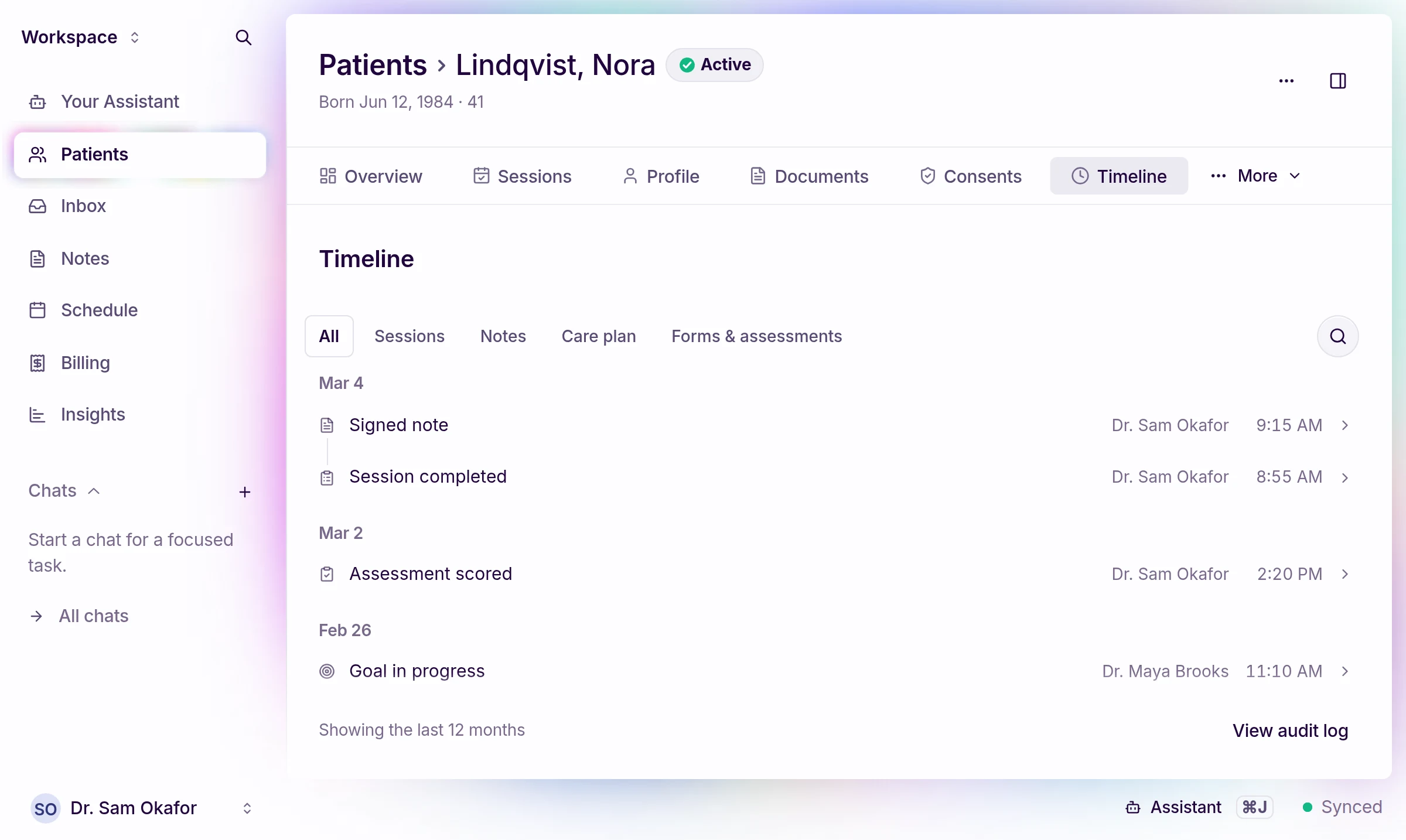
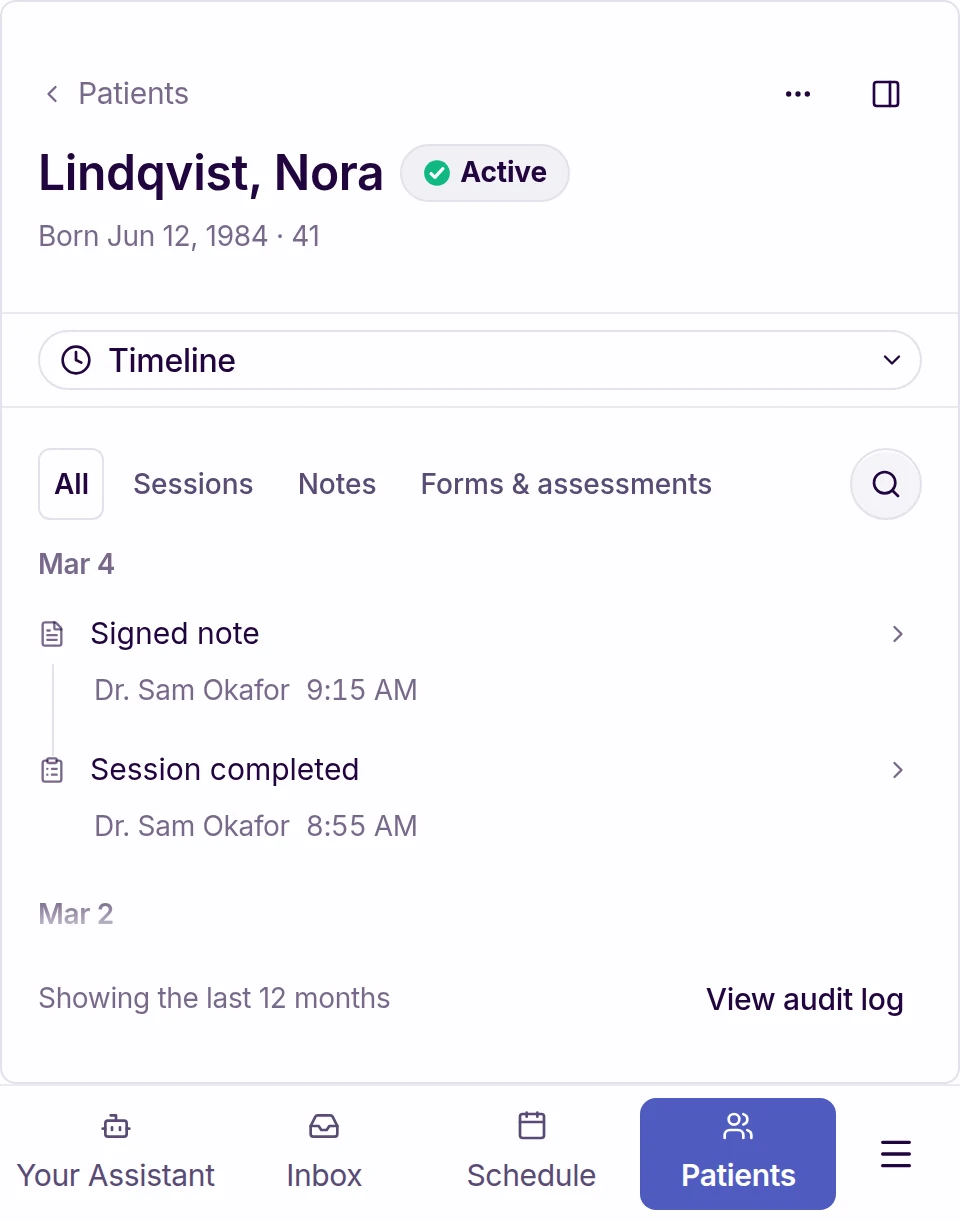
Scan the Patient Activity Timeline to see who changed what and when, review active treatment plans, and track PHQ-9, GAD-7, PCL-5, and AUDIT-C trends.
Visits & Live AI Scribe
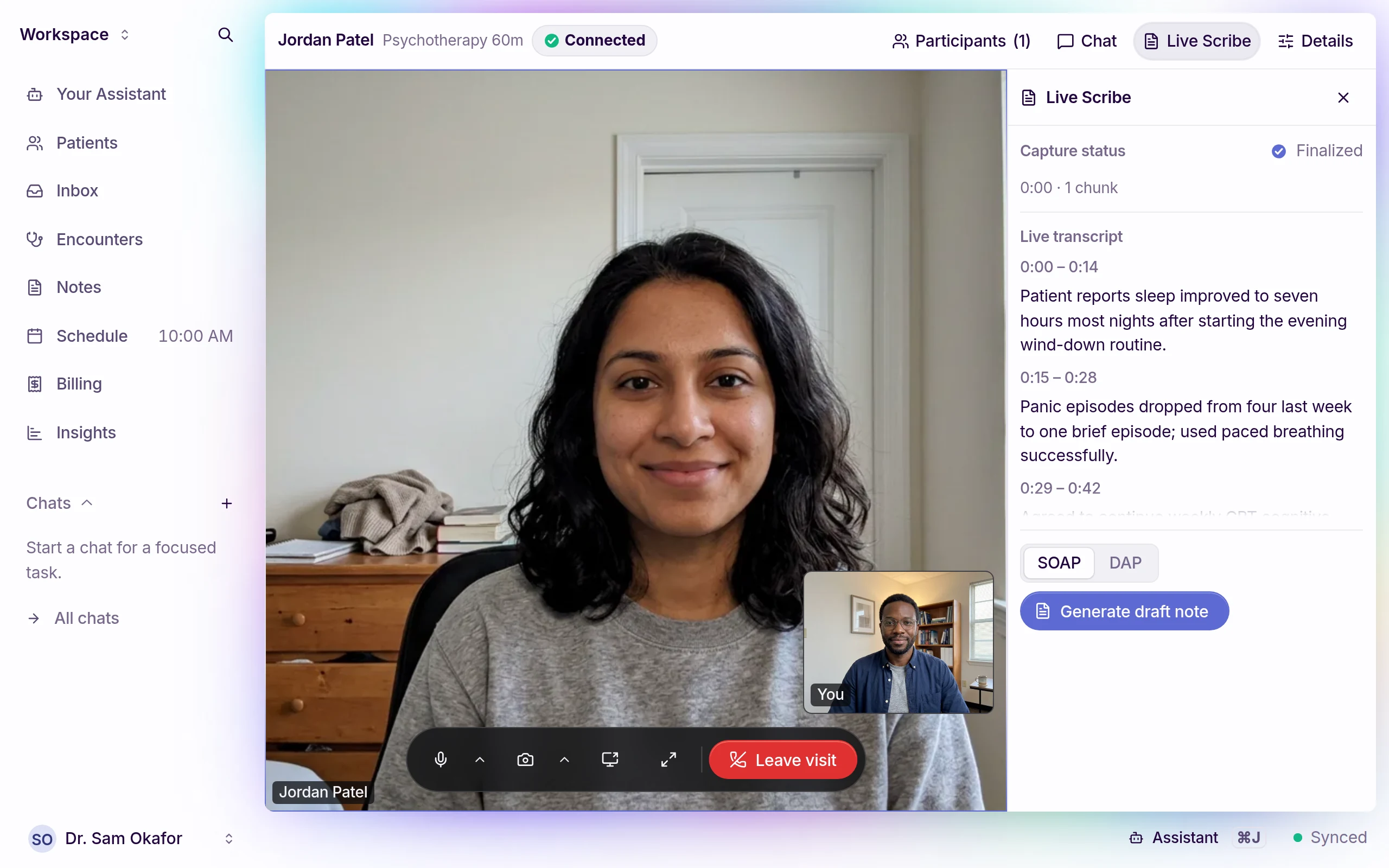
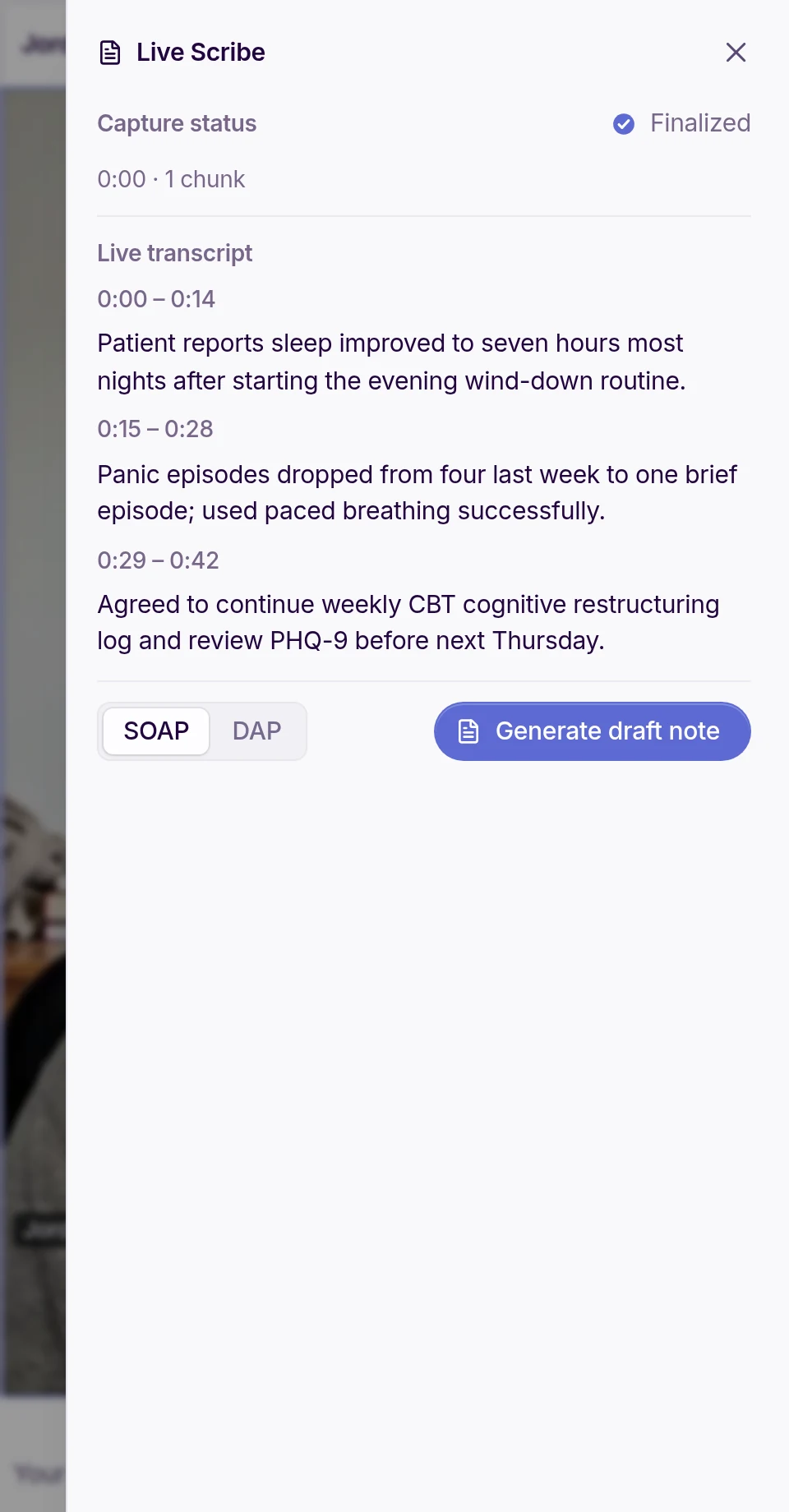
Schedule individual, couples, or recurring visits across rooms. Join a group visit in the browser, or use Live AI Scribe during a configured 1:1 visit with consent.
Client experience
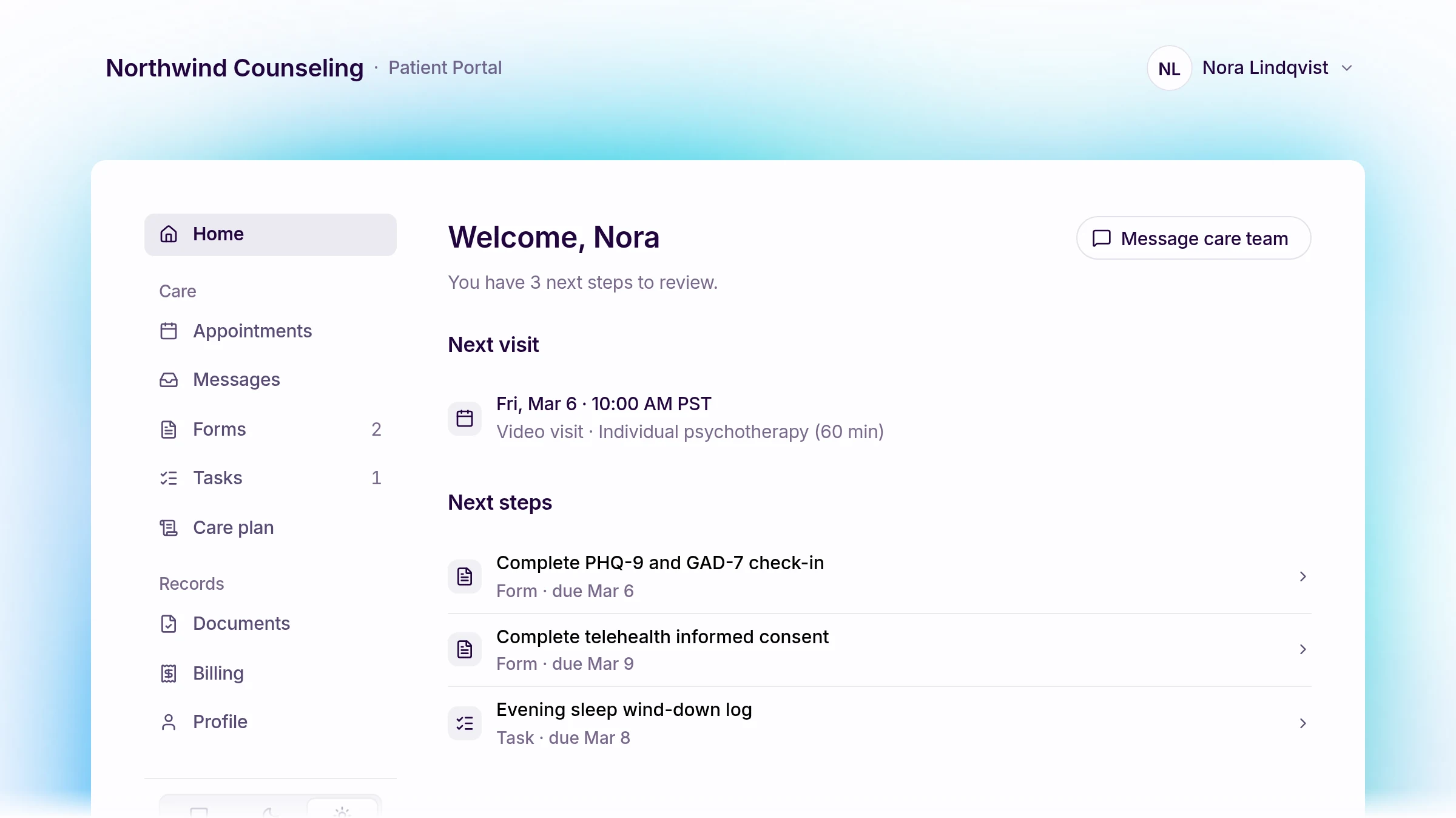
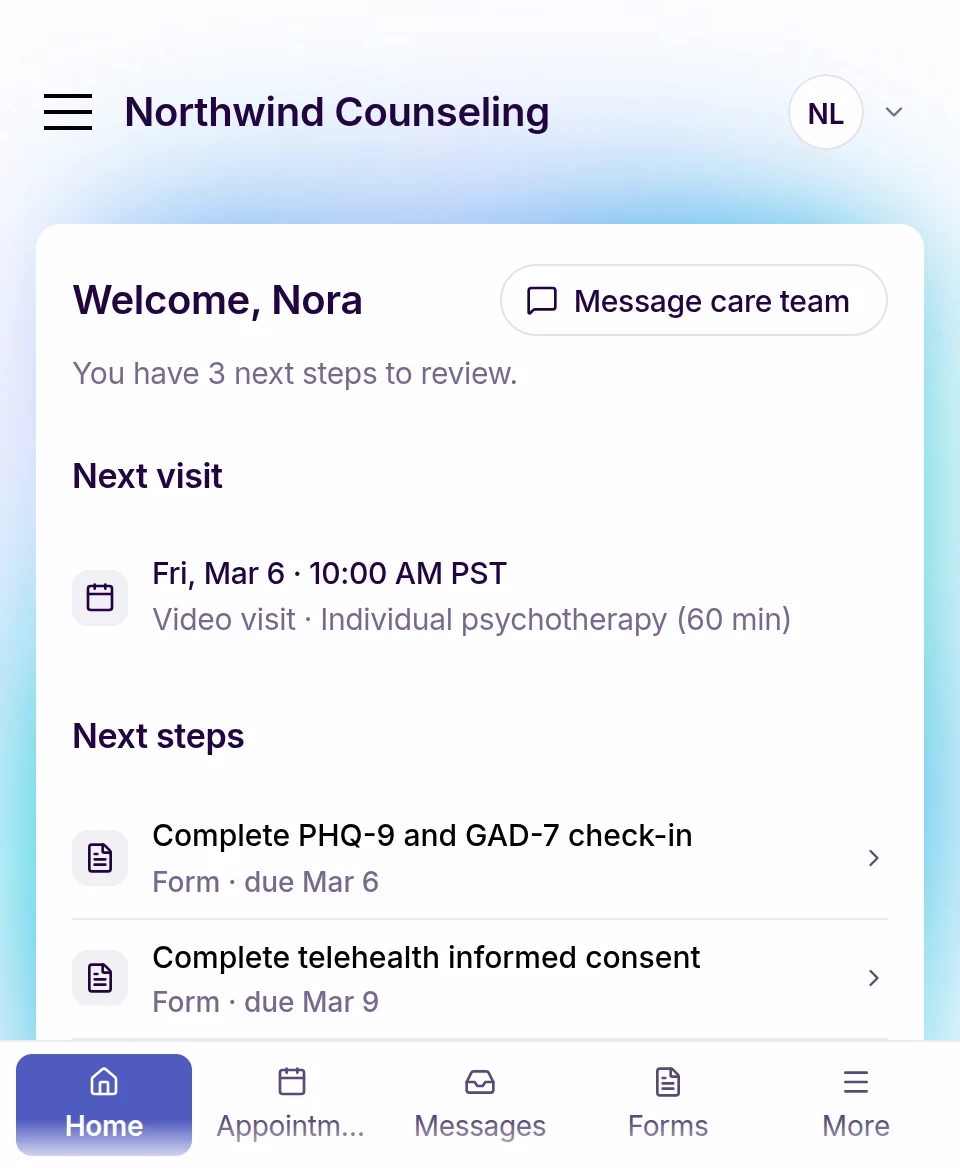
Assign conditional intake packets, share care plans and homework, and exchange secure messages in a plain-language portal built for any device.
Revenue cycle
Prepare 837P claims, review claim checks, reconcile uploaded 835 remittances, and create statements from completed encounters.
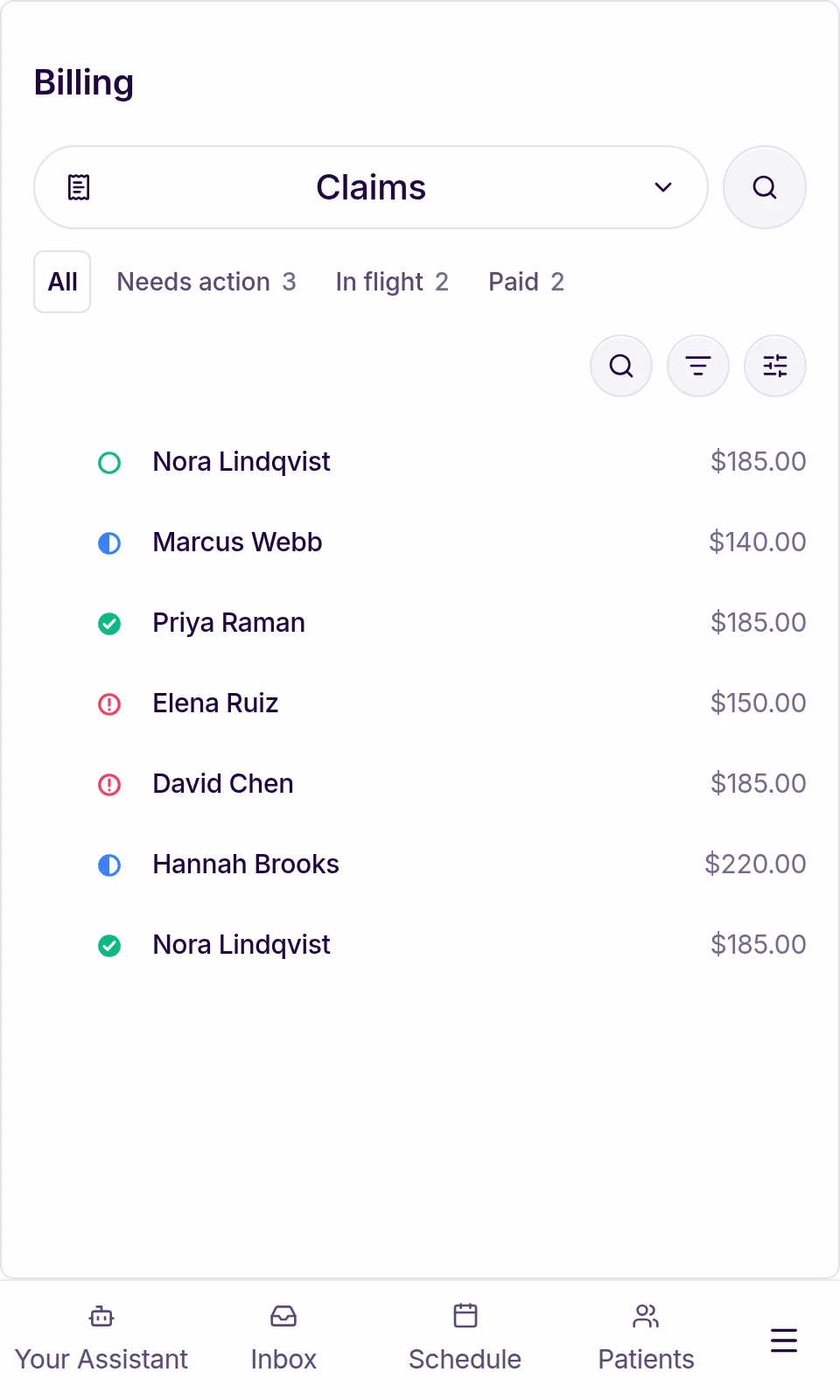
1 of 6
Replace stitched-together scribes, form builders, video links, and billing portals with one cohesive system.
Proactive briefings
Daily schedule briefings, 15-minute visit prep, signature nudges, and urgent alerts arrive in one calm thread—never altering a chart or messaging a client without you.
See Proactive AssistantAI-built dynamic forms
Describe an intake or check-in in plain language, refine conditional branches beside a live Patient view, and publish immutable versions straight to the client portal.
Explore AI-built dynamic forms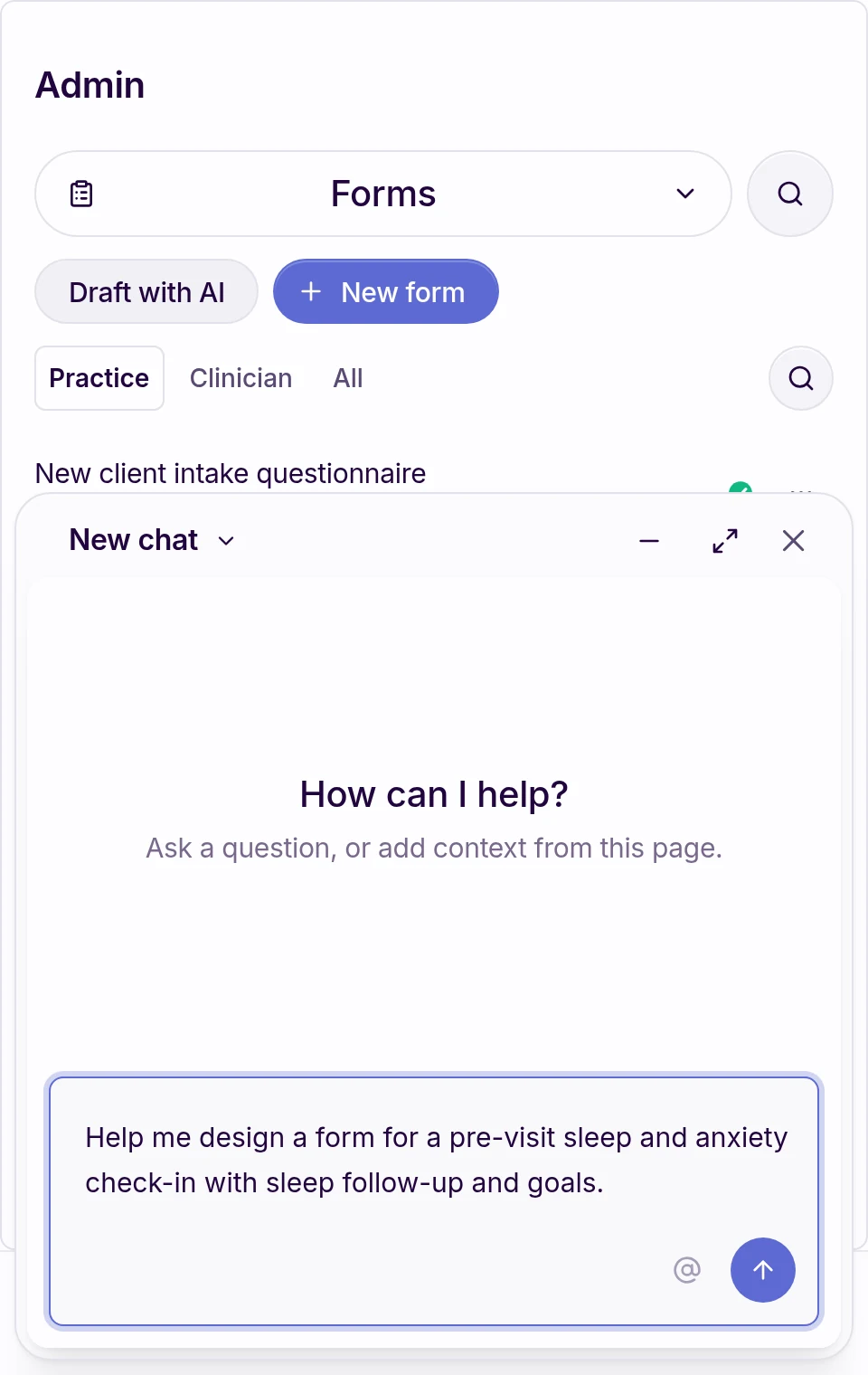
Inspect every AI edit inline against your own phrasing, undo with one click, and keep full draft provenance on the record.
Compare AI draftsCoordinate rooms, locations, and clinicians on one calendar, and run 16-participant group telehealth with linked Group DAP notes.
See scheduling & groupsTrack attendance, no-shows, assessment trends, claims aging, and collections directly from live clinical activity.
See insights & billingComplete an intake packet, join a video visit, or send a message to the care team from a desktop or mobile browser.
Conditional questions adapt as clients answer. Clients save drafts, return later, and sign electronically.
Explore the client portal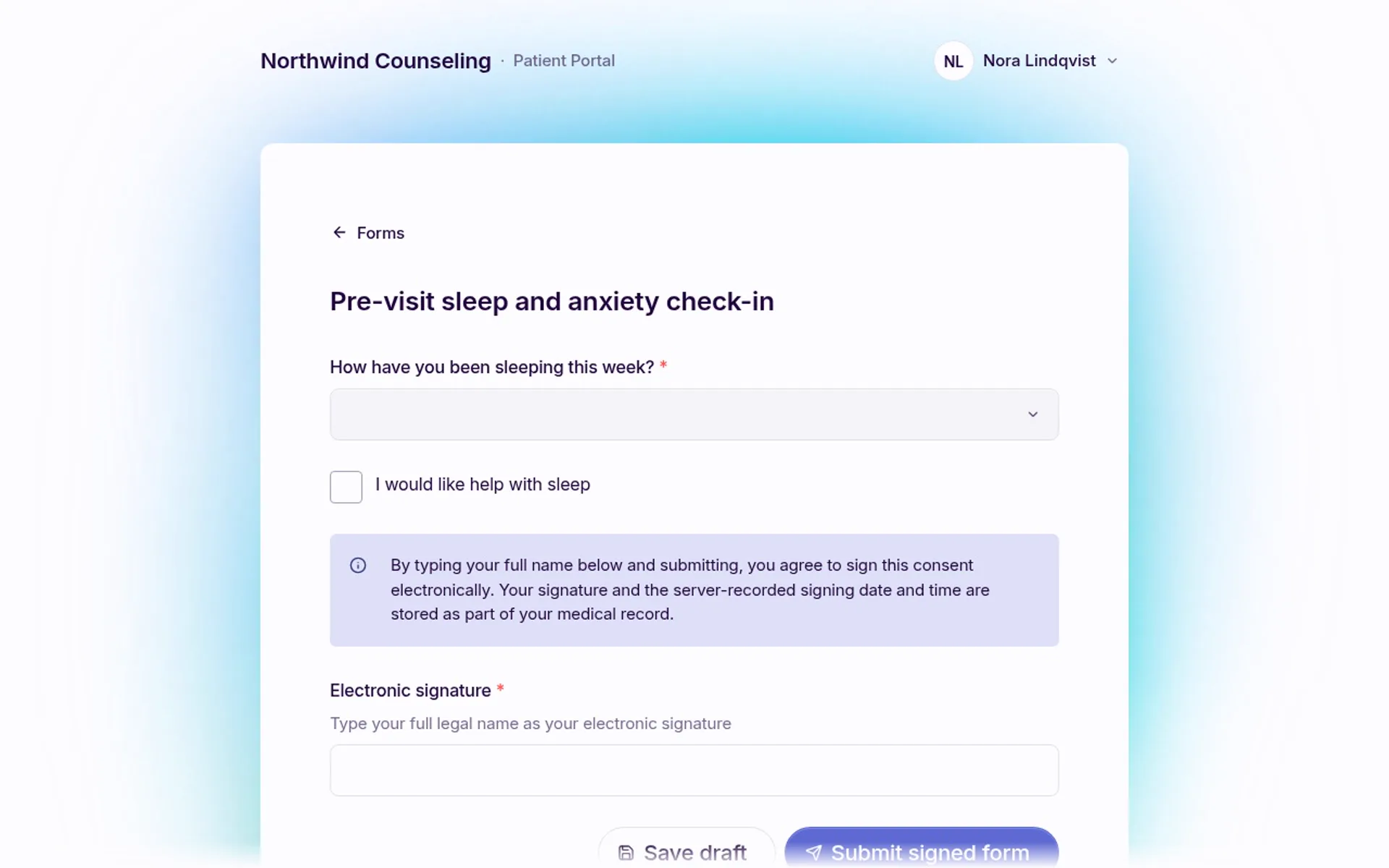
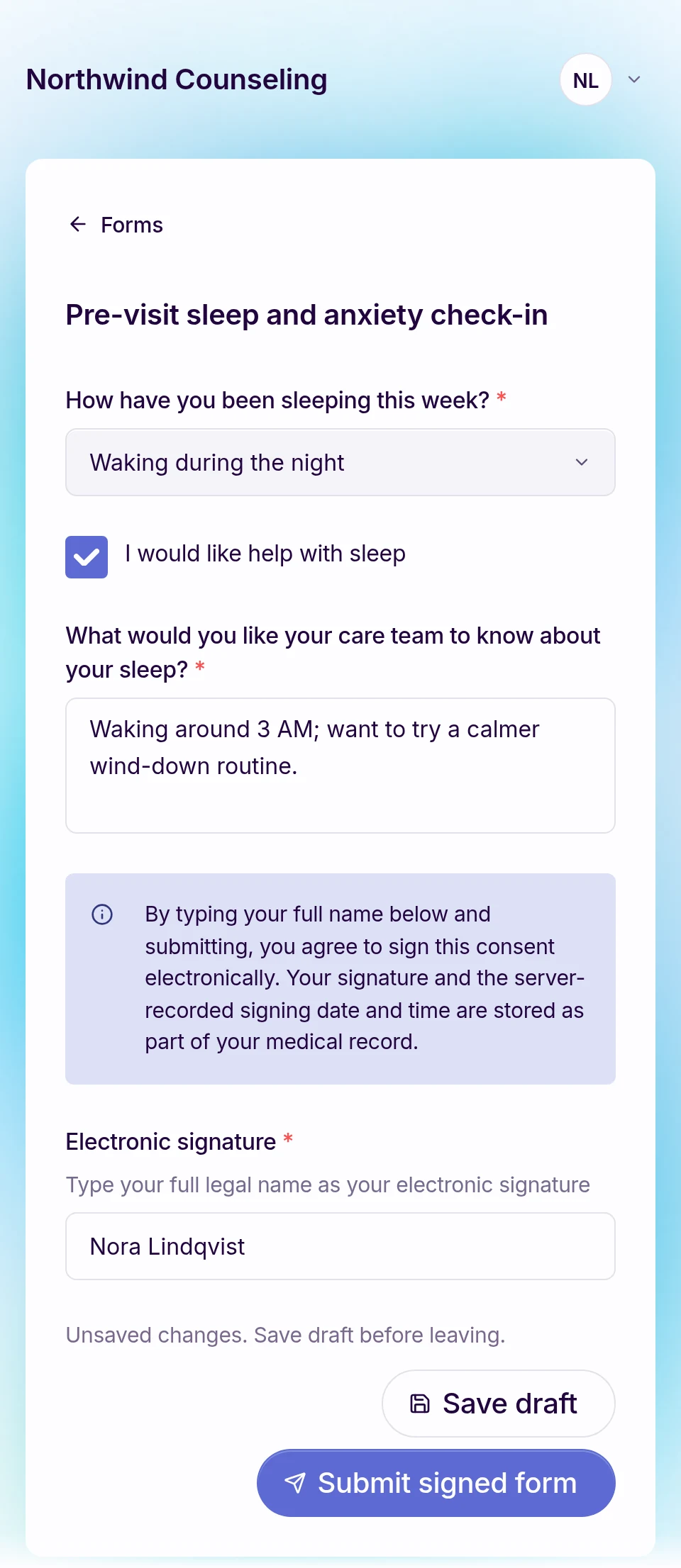
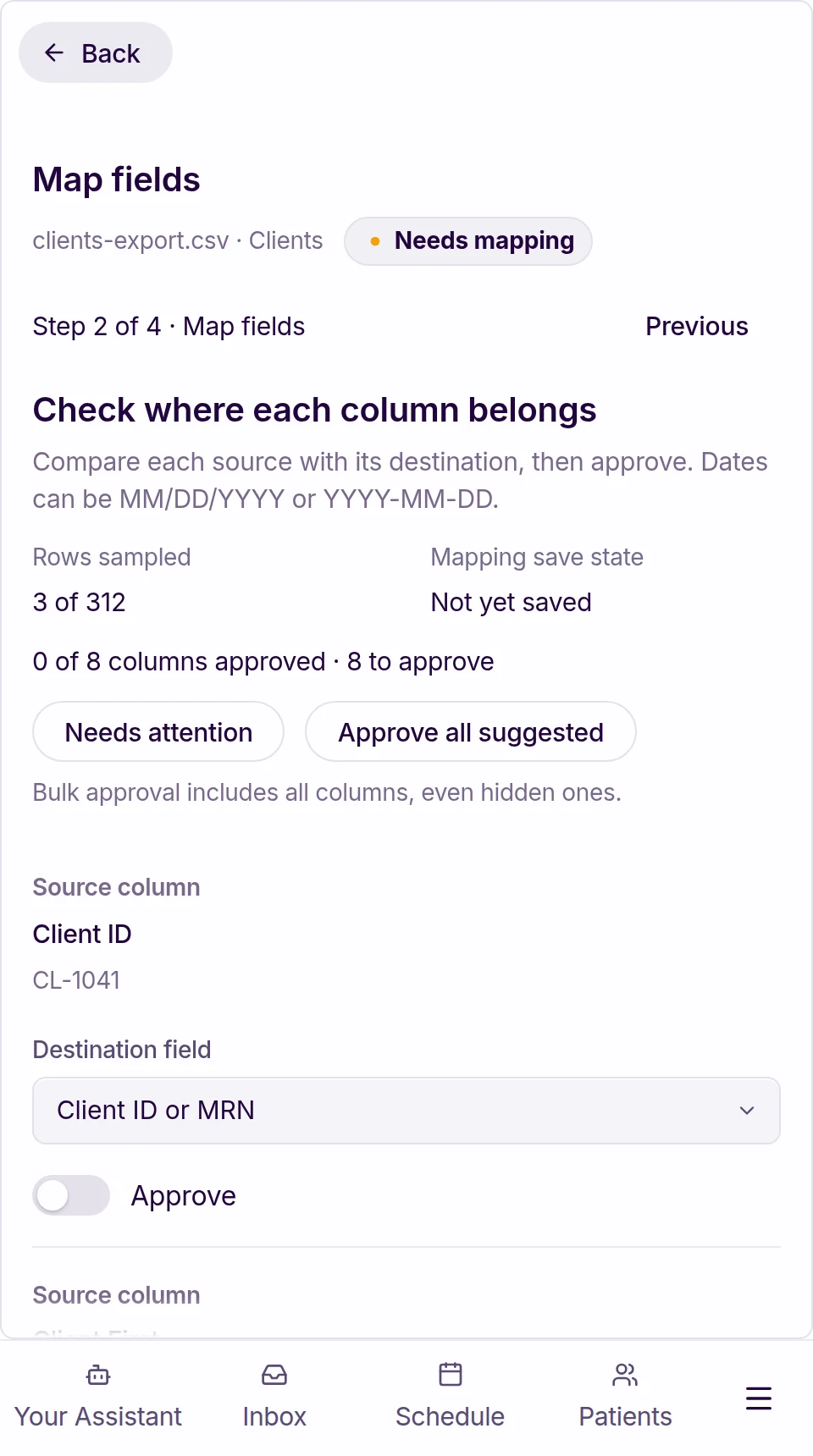
Upload your current EHR’s CSV export to save an import job for review. Check mappings and duplicates before you approve and run the import to update charts.
How switching works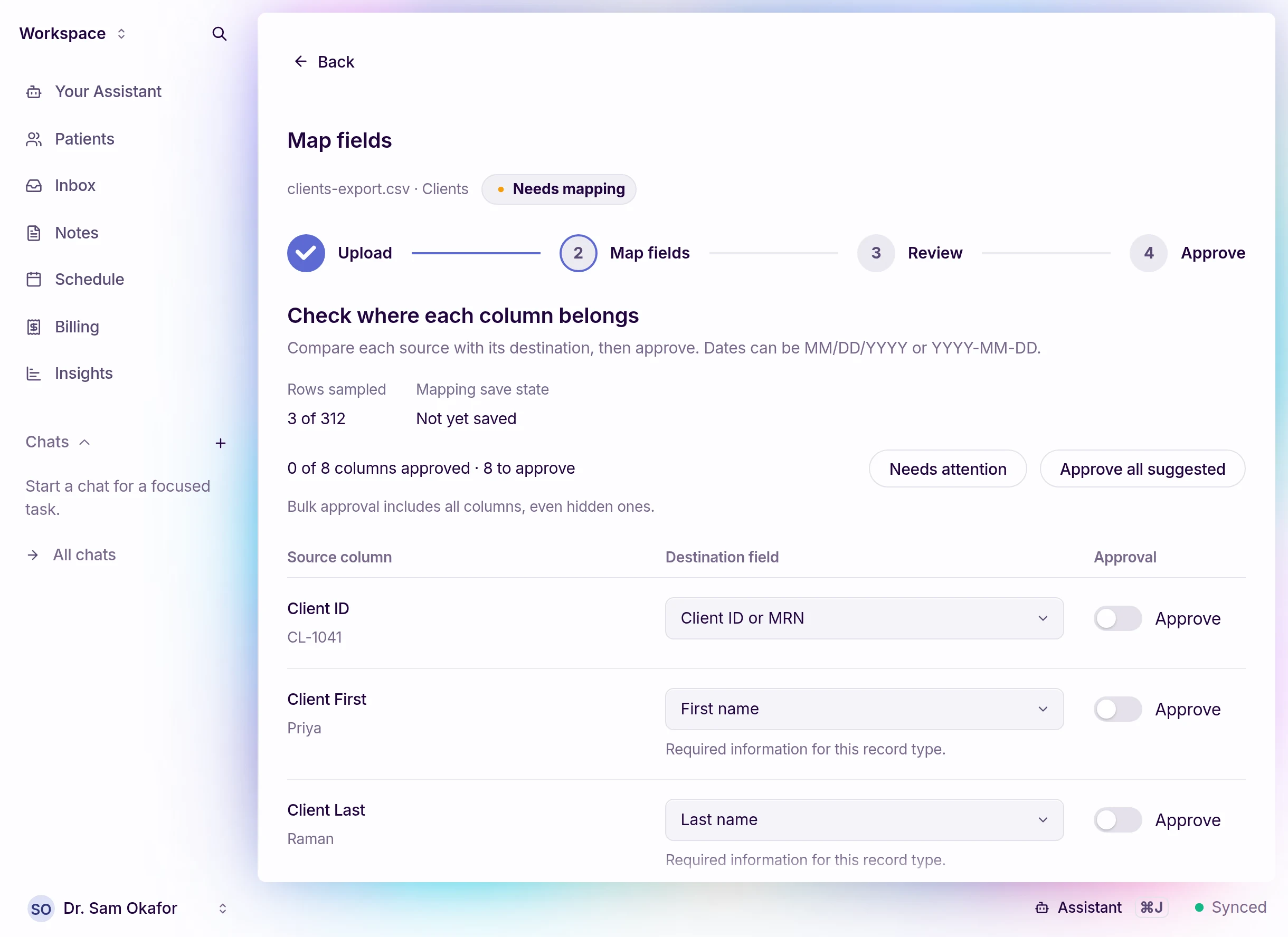
The assistant never signs notes, prescribes, contacts clients, or submits claims, and follows your exact access rules.
How we protect client informationClinicians and their assistant see only active care relationships; emergency access is time-limited and logged with a reason.
Every chart read, export, note signature, and AI decision records who acted and when.
Least-privilege access, Part 2 consent gates, and PHI-safe logging are built in from the start.
Talk with our team to walk through Calm and set up your practice.