Built for the solo clinician.
Draft notes from a quick recap, run telehealth, collect intake forms, and prepare superbills from one workspace.
A solo clinical day, without Friday paperwork.
Follow one clinician from the morning briefing through documentation and superbill preparation.
8:00 AM
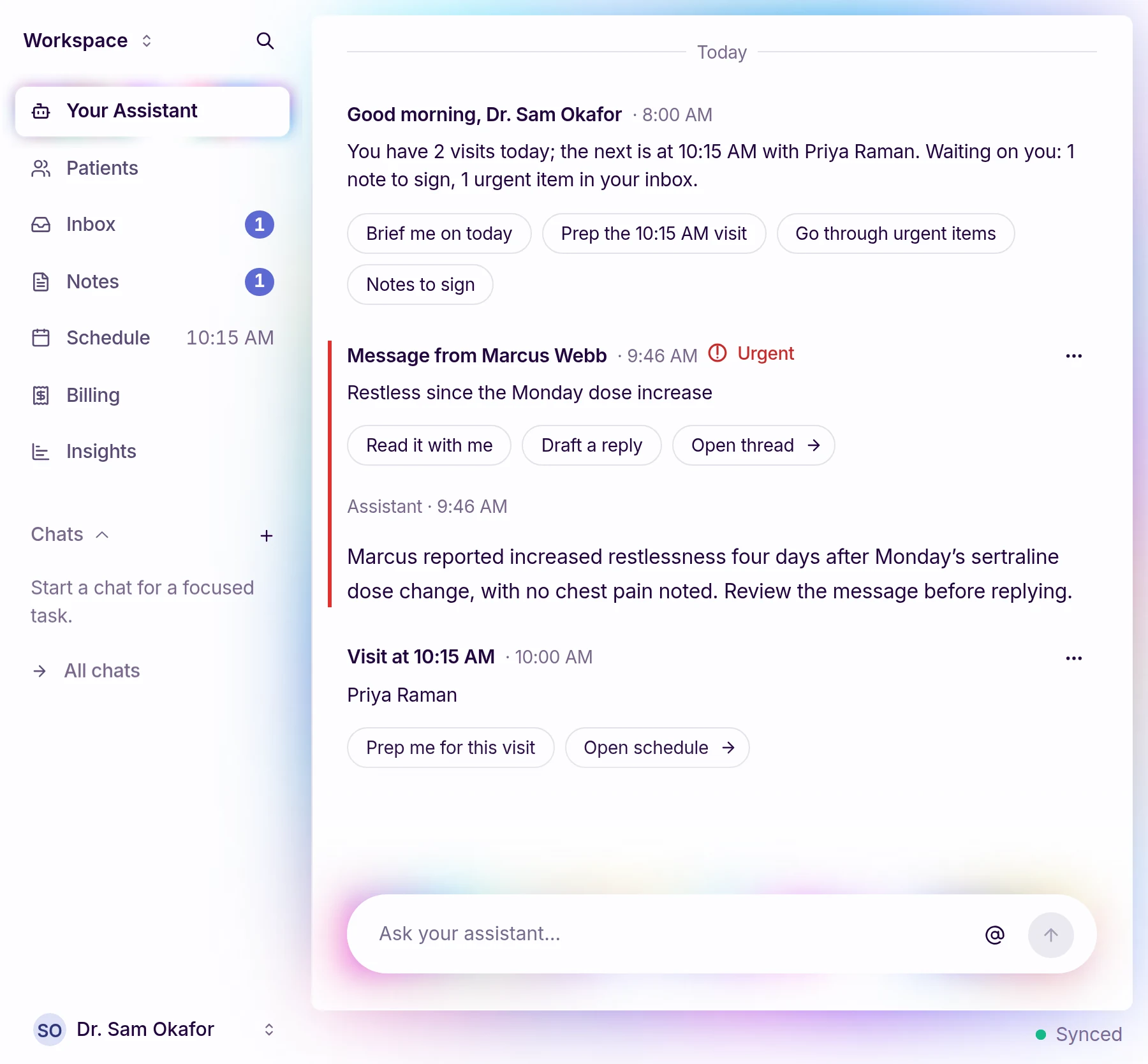
Morning briefing in one thread
Today’s visits, unsigned notes, and urgent client messages arrive in one calm summary.
10:00 AM
Telehealth + Live AI Scribe
Clients join in the browser after completing pre-session PHQ-9/GAD-7 screeners in the portal.
10:48 AM
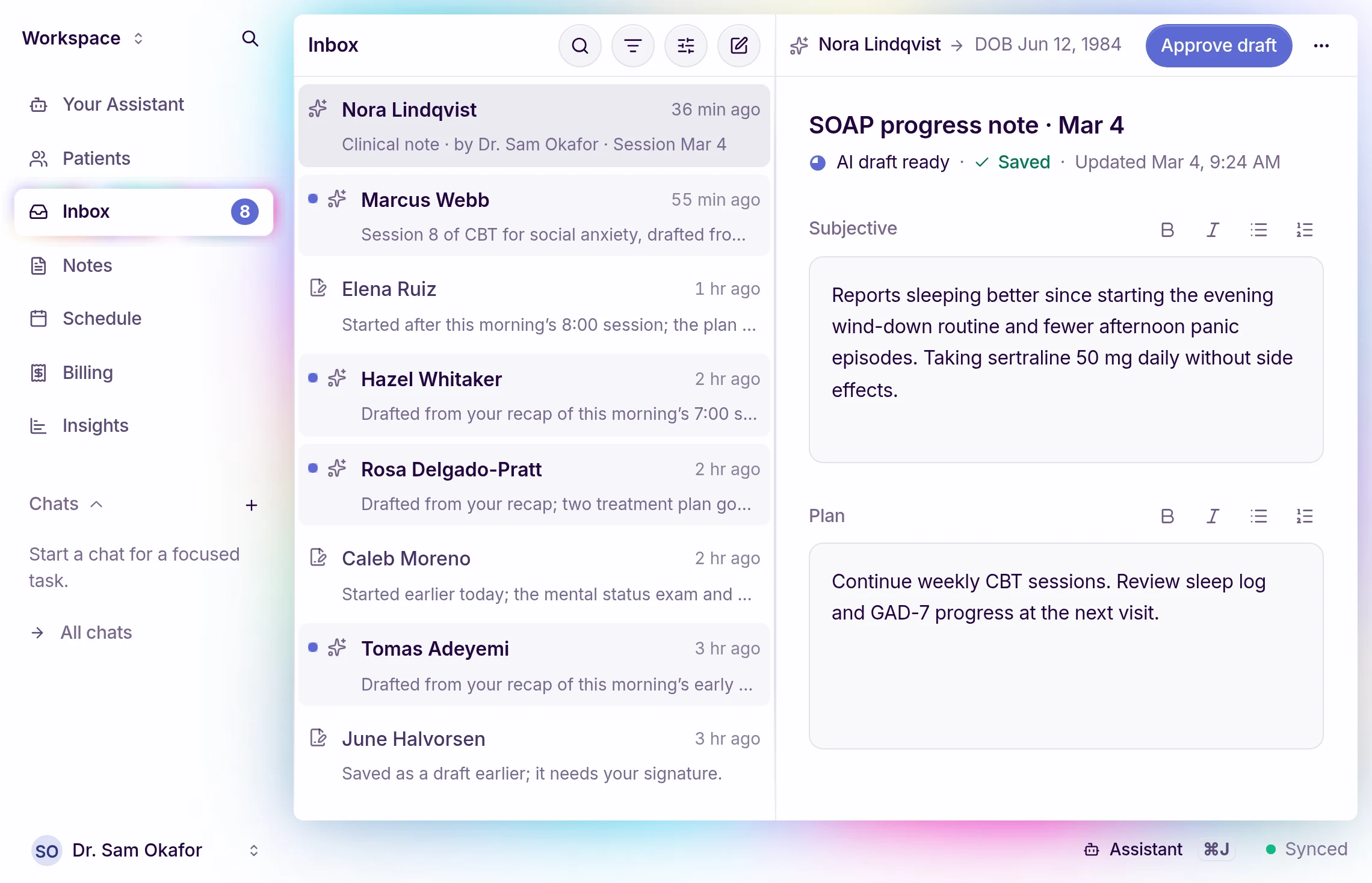
Compare and sign the draft
Inspect the SOAP or DAP draft word for word in Note Studio, edit in rich text, and sign.
4:30 PM
Prepare superbills and statements
Prepare superbills, claim drafts, and client statements from completed encounters.
Where solo hours go, and what changes.
Notes wait until the last session ends.
Recap the visit to the Assistant or write in Note Studio using SOAP, DAP, BIRP, or custom rich-text templates, then compare and sign.
See Note StudioClient messages pile up between back-to-back sessions.
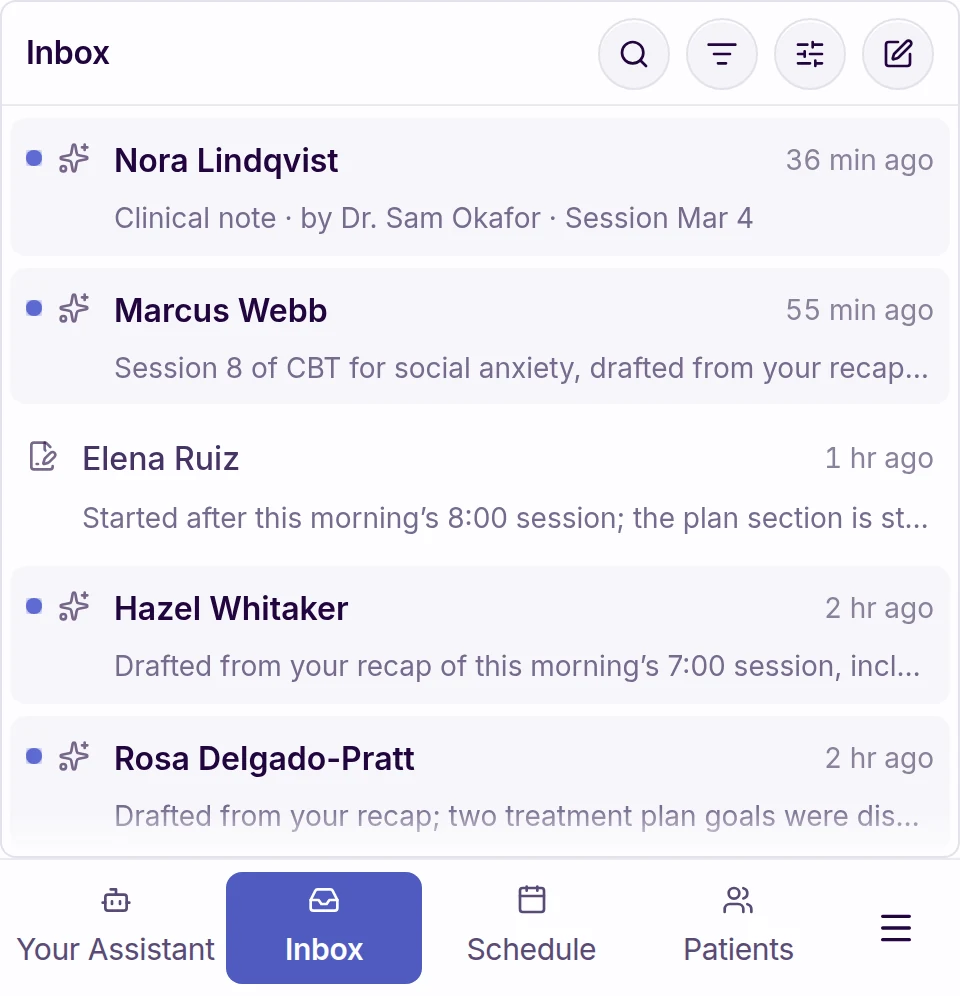
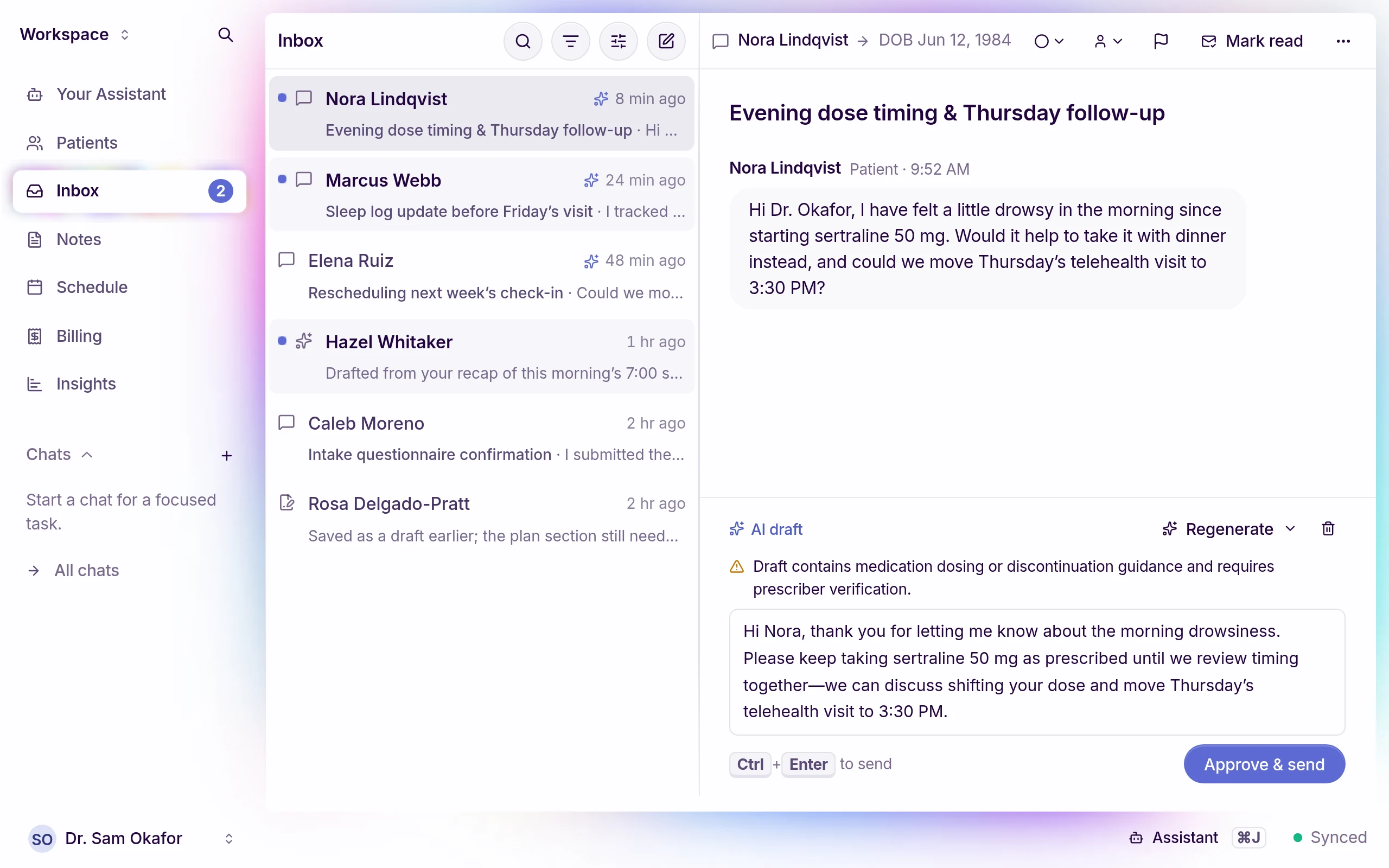
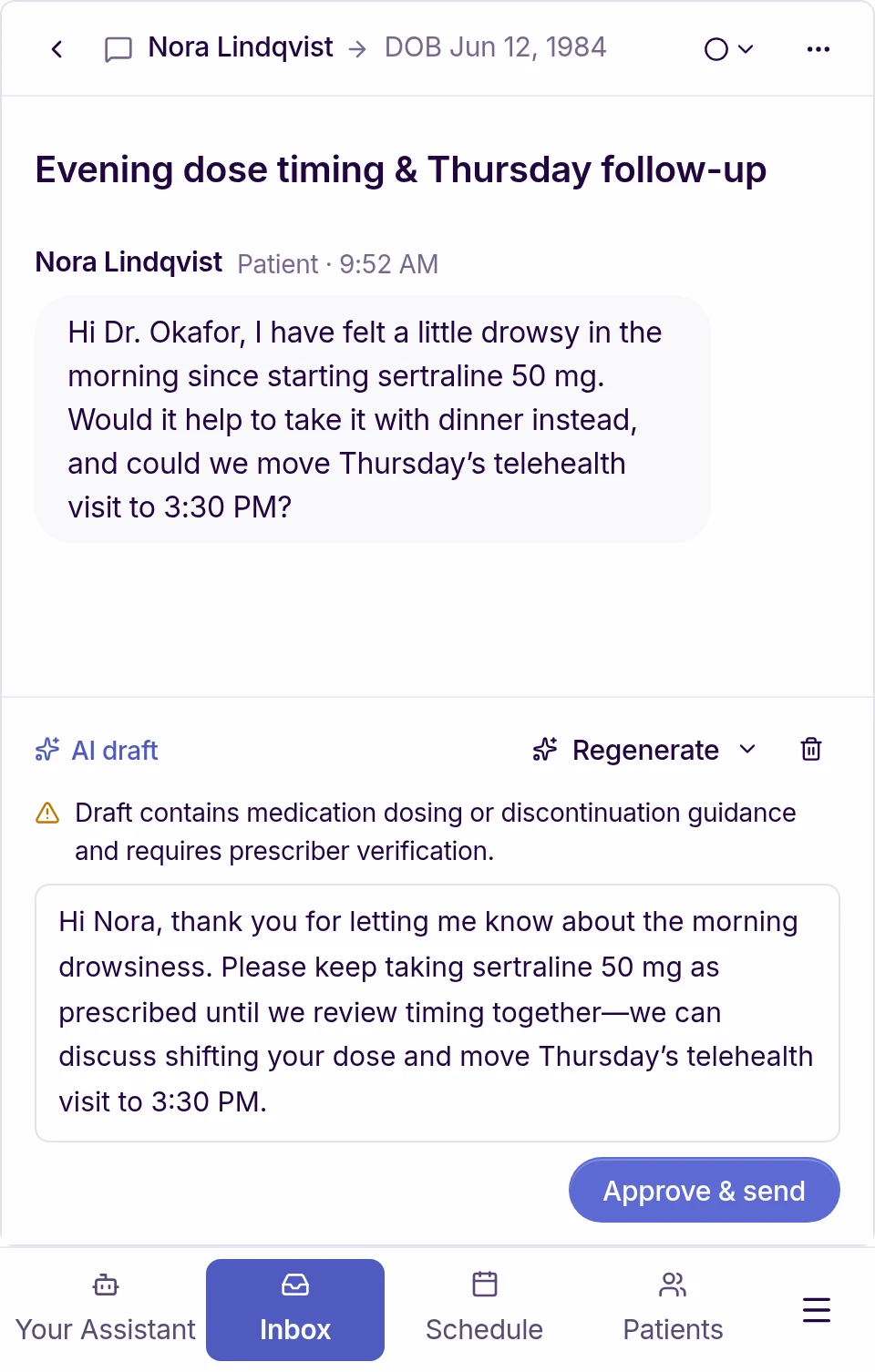
Incoming portal messages open in Inbox with a private AI reply draft and safety validation checks right in the composer. Steer the tone with Regenerate, edit inline, and click Approve & send (or Send edited reply) when ready.
See Inbox reply draftsCalendar, telehealth, and portal live in separate tools.
Book recurring visits, launch browser telehealth with a waiting room, draft conditional intake forms with AI, and deliver them straight to the client portal.
Explore client portal & appsSuperbills and statements eat up Friday afternoons.
Prepare superbills and claim drafts from completed encounters and review client statements before release.
Switching EHRs sounds like a month of weekends.
Uploading your CSVs saves an import job for review. Check the mappings and duplicates, then approve and run the import to update the charts.
How switching works
Reminders that start in your thread.
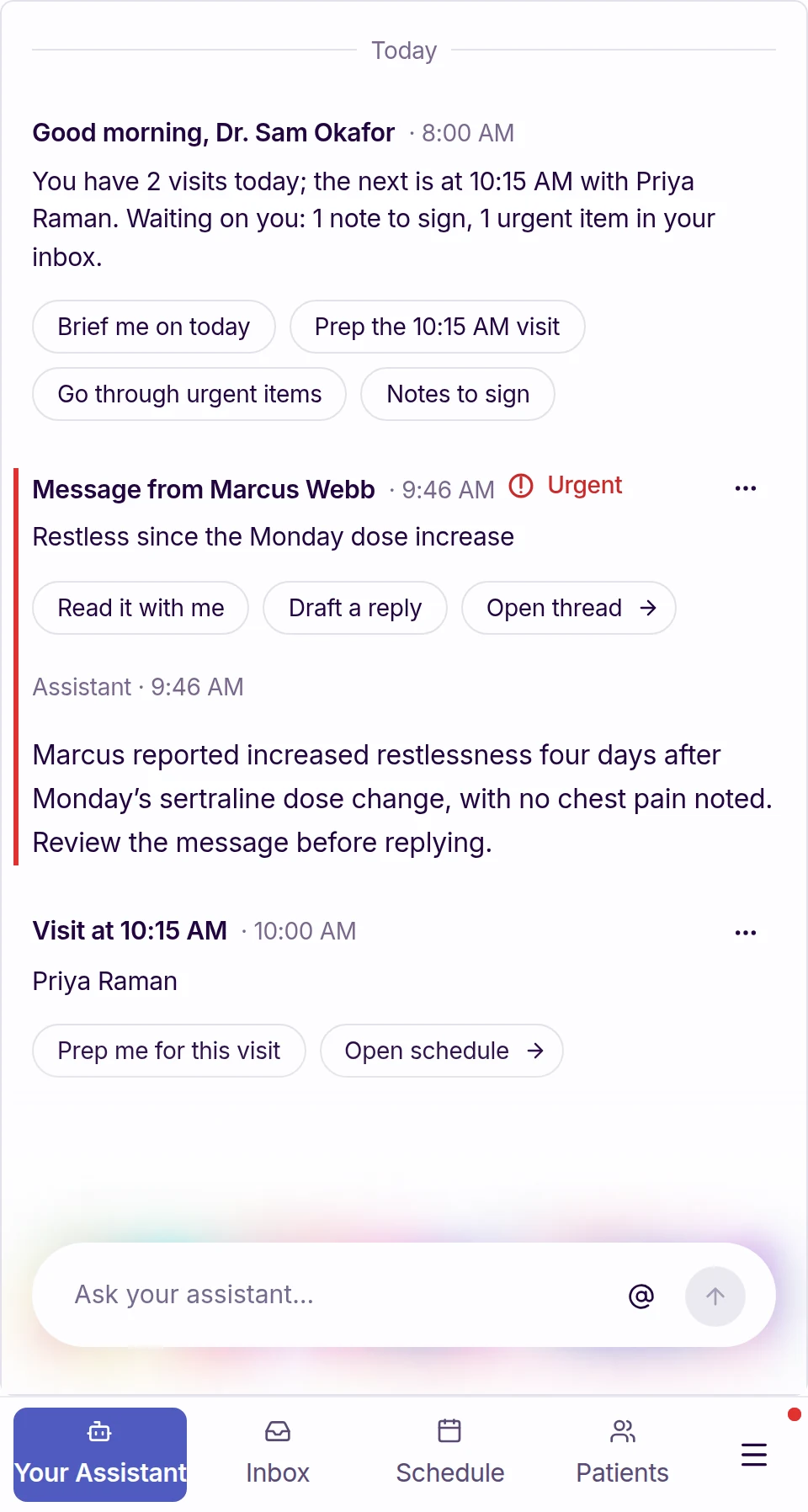
Morning briefings, visit-prep nudges, and urgent alerts arrive in your Assistant with one-click next steps.
Client replies drafted, never sent on their own.
Incoming portal messages arrive with a private AI reply draft, validation notices, and one-step Approve & send inside Inbox.
- Private pre-drafts stay hidden from clients until you approve them
- Quick Regenerate steering (Shorter, Warmer, More clinical, Ask to schedule) and Discard
- Approve & send or Send edited reply records your review decision with delivery
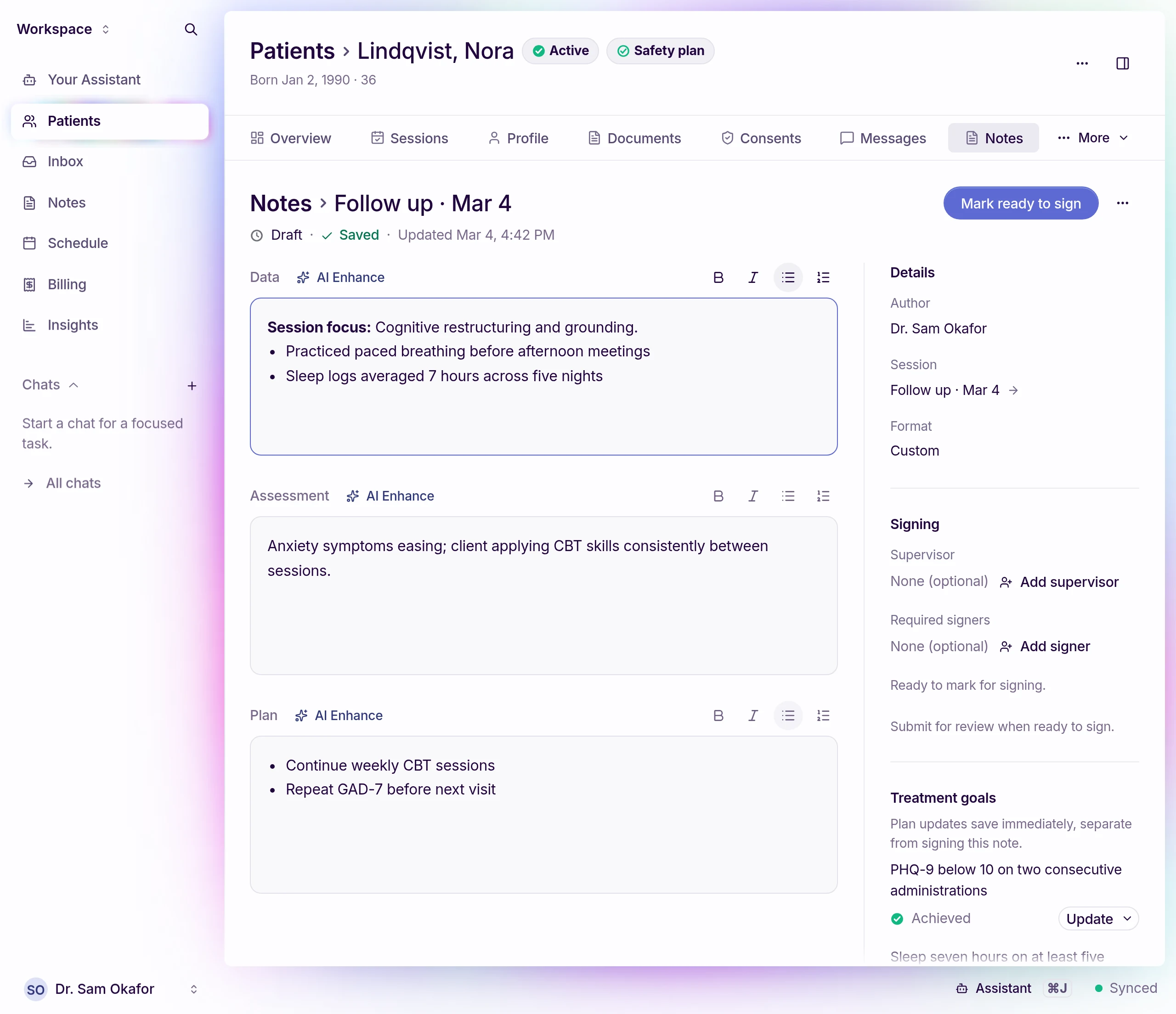
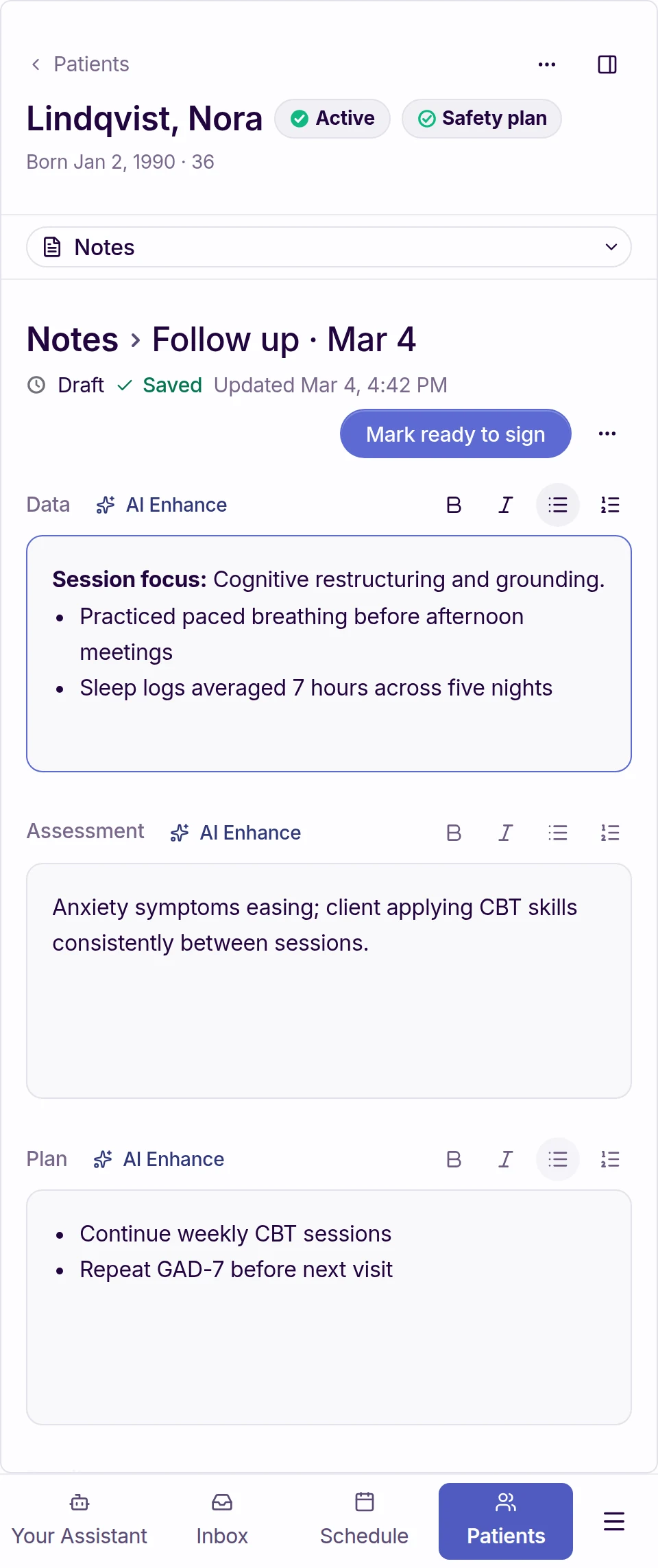
Rich-text notes beside active goals.
Draft with SOAP, DAP, BIRP, or custom templates while treatment-plan goals stay visible in the same view.
Intake forms finished before the first visit.
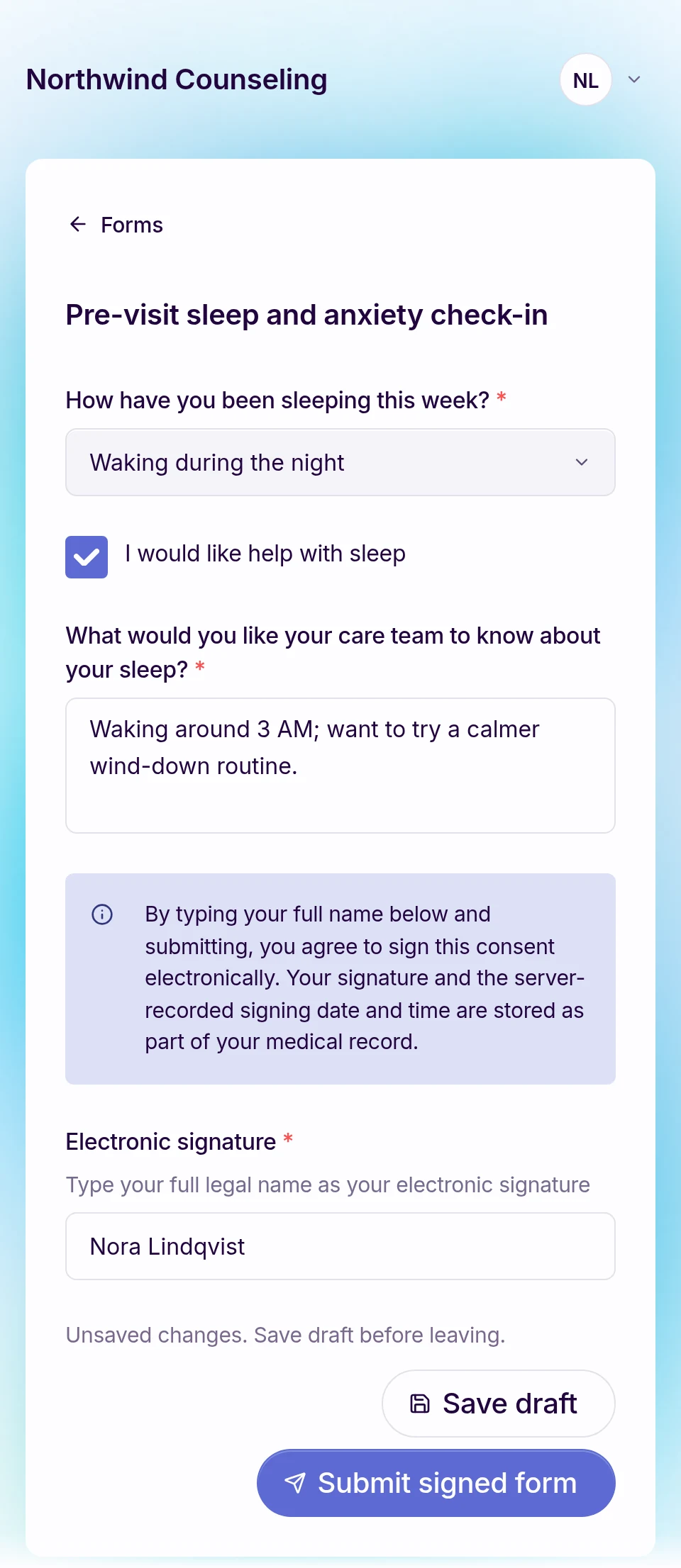
Clients complete conditional intake forms, sign consents, and save drafts in the client portal.
Superbills and claims from the visit.
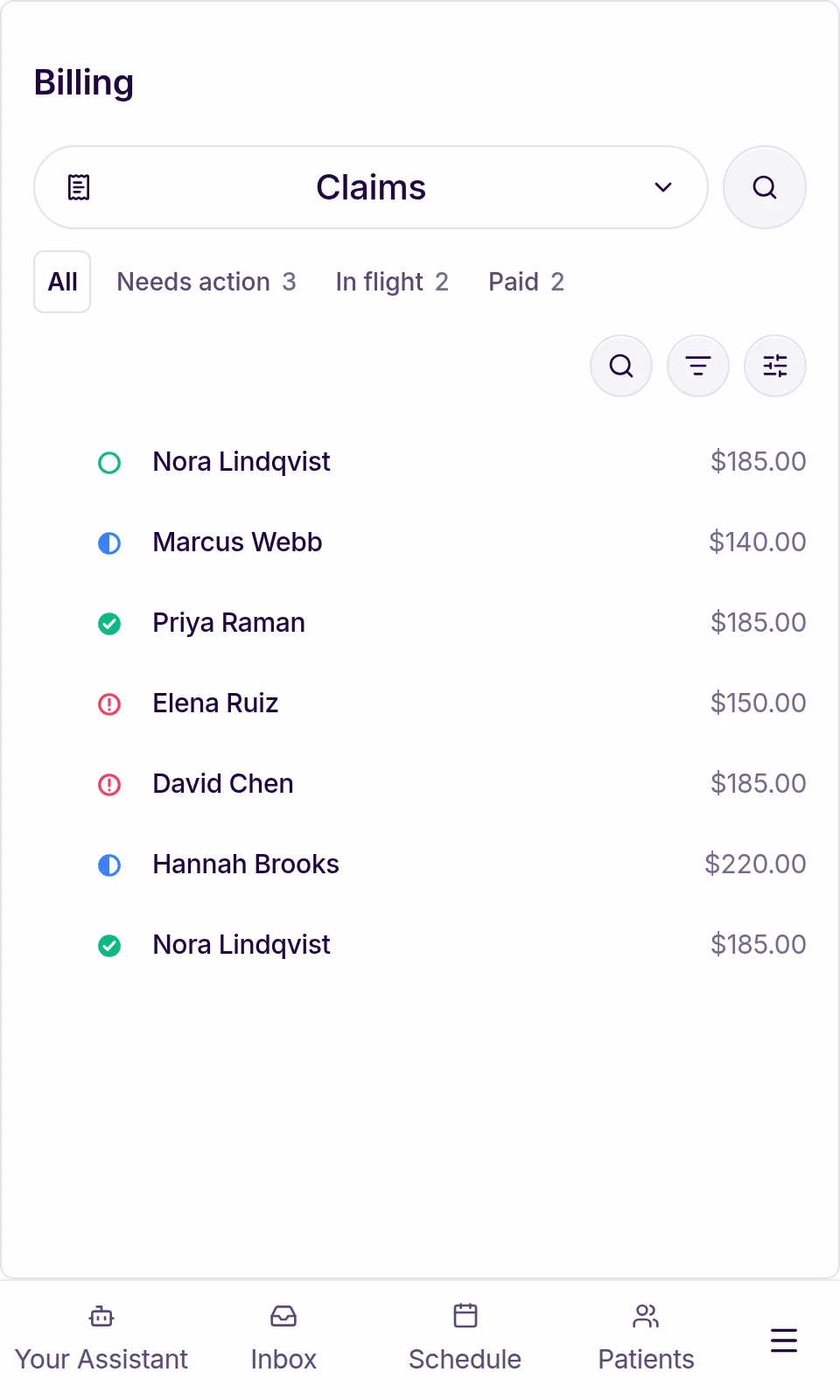
Turn completed encounters into superbills, 837 claims, and statements without re-entering codes.
Get your evenings back.
Request a walkthrough to see how solo clinicians run charting, portal, telehealth, and billing in one workspace.